Is SoPlayer Legal? Essential Usage Guidelines and Safety Explained
SoPlayer is an IPTV media player that organizes and plays live TV and on-demand streams supplied by third-party playlists, and this article explains how the app functions, the legal nuance around its use, and practical safety steps users should follow. You will learn what SoPlayer is, how it connects to content sources, the features and installation basics for Firestick and Android, and a clear legal distinction between a player app and the content streamed through it. Many users ask “Is SoPlayer legal?” — the short, actionable answer is that the player software itself is generally legal, but legality depends on whether the content source is licensed. This guide provides EAV-style summaries, checklists for vetting providers, VPN guidance, and legal alternatives so you can make informed streaming choices. Read on for step-by-step usage guidelines, tables that summarize attributes and legal implications, and recommended practices for safe, compliant streaming in the current regulatory environment.
What is SoPlayer and How Does It Work?
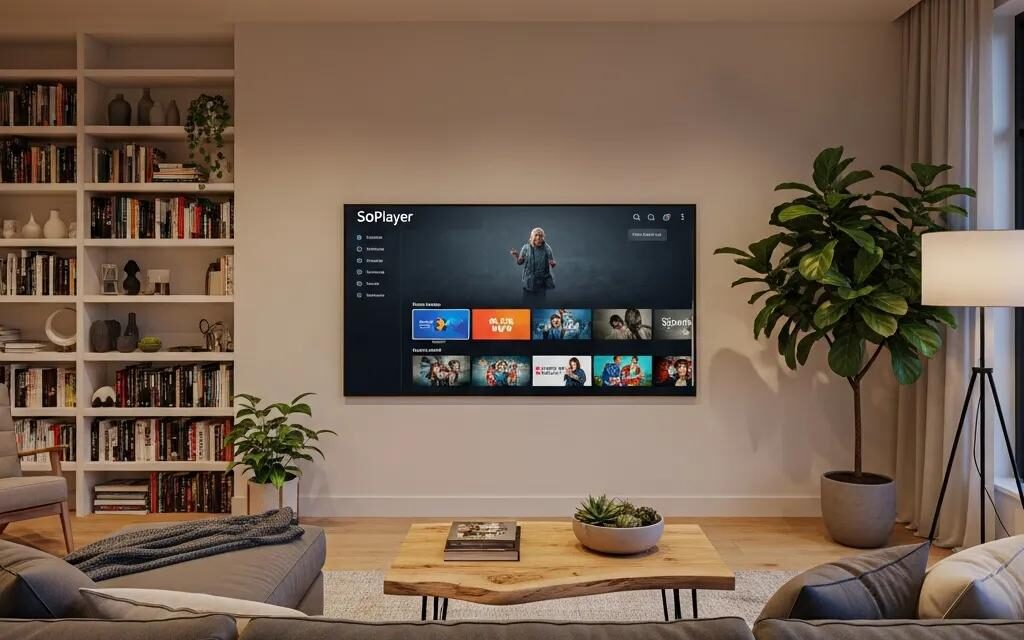
SoPlayer is an IPTV player app that plays media from user-provided playlists or subscriptions; it does not host channels itself and relies on external content sources. The app parses playlist formats (M3U, EPG) and renders streams on devices such as Firestick and Android TV, enabling channel lists, EPG display, and playback controls. Because the player separates software (the playback tool) from content (the stream provider), legal responsibility typically follows the content source rather than the player application, making provider vetting essential for lawful use.
Below is a concise attribute table to clarify core SoPlayer characteristics for quick reference.
This table summarizes key SoPlayer attributes for quick comparison and user orientation.
| Feature | Attribute | Typical Value |
|---|---|---|
| Type | Application category | IPTV media player |
| Supported OS | Platforms | Firestick, Android TV, Android phones |
| Content input | How content is provided | M3U playlists, EPG links, subscription credentials |
| Cost model | Typical pricing | Free app with provider-based subscriptions |
| Core functions | Capabilities | EPG, playlist integration, favorites, playback controls |
This EAV-style summary highlights that SoPlayer’s primary role is playback and playlist management, which frames the legal discussion that follows.
What Features Does SoPlayer Offer and What Is Its Cost?
SoPlayer provides a compact set of features focused on playlist-based IPTV playback, including electronic program guide integration, channel favorites, and basic recording or catch-up depending on provider support. Users typically connect SoPlayer to an IPTV subscription or an M3U/EPG feed supplied by a content source, and the app itself is often free while any subscription cost comes from the provider. Feature clarity helps users pick the right player-capability match for their needs and understand that pricing responsibility lies with content suppliers rather than the player developer. Knowing which features depend on provider-side support prepares users to verify capabilities before subscribing.
This features list highlights the app’s most useful capabilities and their user impact.
- EPG Integration: Displays program schedules so users can navigate live channels and upcoming shows.
- Playlist Support: Accepts M3U and XMLTV inputs so users can manage channel lists and categories.
- Playback Controls: Provides standard controls and optionally supports catch-up or recording if the provider enables it.
These feature points show how SoPlayer functions as a player and lead naturally into how users install the app on common devices.
How Is SoPlayer Installed on Firestick and Android Devices?
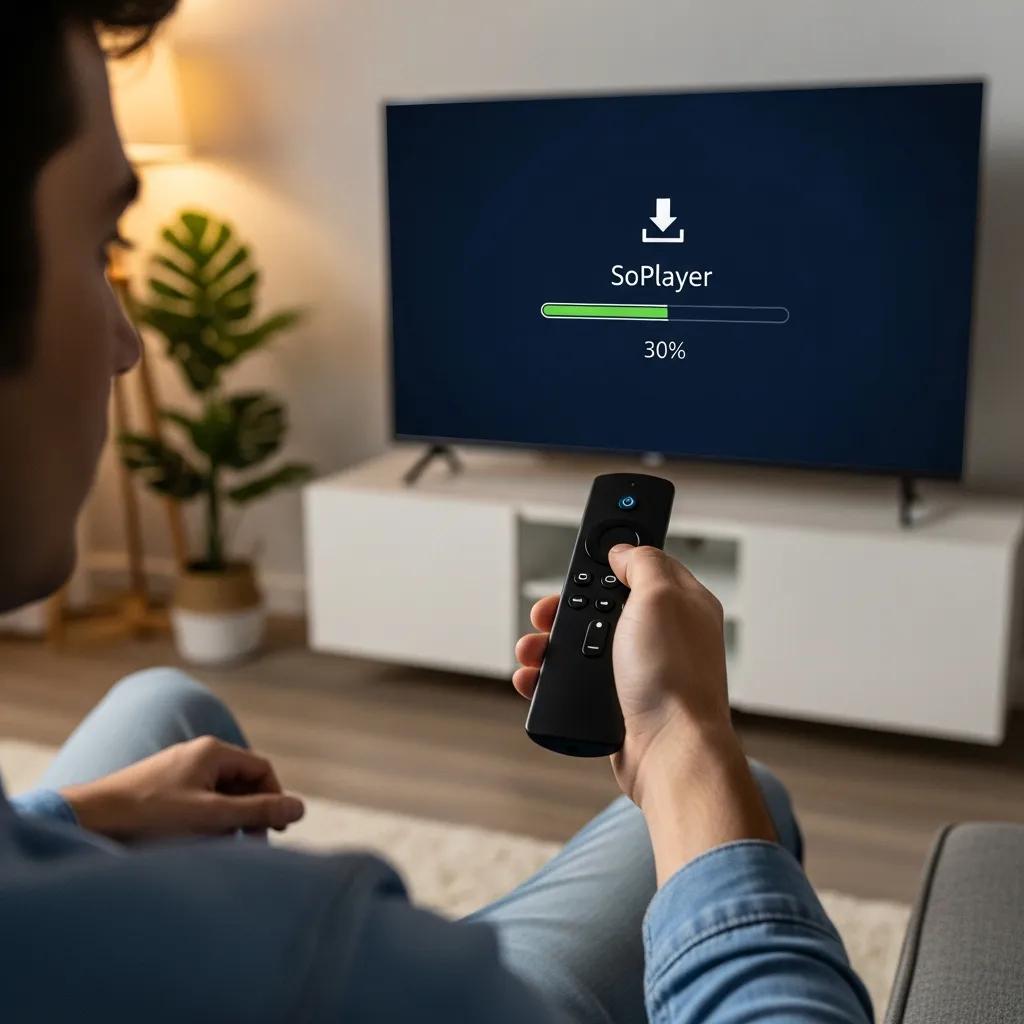
Installing SoPlayer on Firestick or Android typically requires downloading the APK or using an app store; Firestick users often sideload by enabling unknown sources, while Android devices can install from alternative app stores or direct APKs. Users should verify package integrity and prefer official distribution channels when available, because sideloading increases risk of tampered files or bundled malware. A secure installation process includes enabling device updates, scanning APKs on a trusted device before transfer, and avoiding apps from anonymous uploaders, which reduces supply-chain risks and prepares devices for safe streaming. Follow these safety-minded installation steps to minimize exposure to malicious modifications and then proceed to provider selection.
Install steps below show essential actions to install SoPlayer safely.
- Enable device update and security: Ensure the device firmware is current and security settings are reviewed before installation.
- Obtain app from trusted source: Prefer verified app packages or official stores to reduce tampering risk.
- Scan and verify APKs: Check file signatures and scan with a trusted tool before sideloading.
These installation precautions transition into the legal status discussion, since how you install and where you source content both affect legal exposure.
Is SoPlayer Legal? Understanding the Legal Status and Risks
SoPlayer as a player application is generally legal because it performs playback and playlist parsing rather than distributing copyrighted content; the legal issue centers on whether the streams it plays are licensed. The distinction is: software that plays streams vs the content provider who supplies streams—legal liability and enforcement tend to target unlicensed content distributors and users who knowingly access pirated streams, not the player itself. Users should therefore verify licensing claims, review provider terms of service, and understand that laws and enforcement intensity vary by jurisdiction, making local legal advice or authoritative resources important.
| Entity | Characteristic | Legal implication |
|---|---|---|
| SoPlayer (player) | Playback software only | Generally legal; liability depends on use |
| IPTV provider (content source) | Supplies streams/playlists | Legal risk if offering unlicensed or pirated content |
| Licensed streaming service | Holds distribution rights | Low legal risk due to direct licensing agreements |
This table shows that responsibility and risk are primarily tied to the content source, leading into specific legal use-cases and enforcement concerns.
Is SoPlayer Itself Legal or Does Legality Depend on Content?
Yes — SoPlayer itself is typically legal because it is a neutral playback tool; however, legality depends on the content you play through it and whether that content is licensed for your region. Using SoPlayer with an authorized IPTV provider that holds distribution rights constitutes lawful use, while connecting the player to pirated streams exposes the user to copyright infringement risks. Practical examples: using SoPlayer to play an official provider’s M3U feed is lawful, whereas using it with anonymously distributed pirated playlists is not. Confirming provider credentials and seeking transparent licensing information reduces legal uncertainty and helps users make compliant choices.
Understanding these distinctions prepares users to evaluate enforcement actions and compliance responsibilities.
What Are the IPTV Legality Issues and Copyright Compliance Concerns?
Copyright law treats distribution and public performance of protected works as core rights, so unauthorized streaming or redistribution of live channels is commonly subject to takedown notices, ISP warnings, and potential civil enforcement actions. Enforcement actions often include content takedowns, blocking orders, account suspensions, and in some jurisdictions monetary damages for repeat or commercial infringement. Fair use defenses are rarely applicable to full-length streamed broadcasts, so users cannot rely on them for repeated consumption of unlicensed streams. Verify provider licensing statements, check for transparent payment and refund policies, and retain documentation of provider claims to reduce exposure in the event of enforcement scrutiny.
Key enforcement actions and compliance checks include the following list to help users anticipate common risks.
- Takedown notices: Rights holders may request removal of unlicensed streams from hosting services.
- ISP warnings or throttling: Internet service providers can issue notices or limit access based on abuse reports.
- Civil litigation or penalties: In some cases, distributors or repeat users may face legal claims or monetary damages.
These enforcement realities motivate practical safety measures covered next.
How to Use SoPlayer Safely: Essential Usage Guidelines
To minimize legal and security risks with SoPlayer, use reputable providers, verify licensing, keep device software up to date, and take privacy steps such as using a reputable VPN while understanding its limits. A balanced safety approach includes technical hygiene (secure device settings), provider due diligence (transparent terms, support, and payment methods), and privacy practices; these steps reduce the chance of malware, account compromise, or inadvertent access to illegal streams. AmpStreams, operating as an independent review and informational site, provides impartial guidance and reviews that help users compare IPTV players and evaluate provider trust markers without operating or hosting streaming services. Follow the checklist below to operationalize safe usage and then consider VPN specifics for privacy and performance.
- Verify provider licensing and transparency: Choose providers that disclose content sources and company contacts.
- Keep devices and apps updated: Apply firmware and app updates to patch security vulnerabilities.
- Use strong authentication and payment records: Prefer providers with clear payment records and refund policies.
These safety steps lead directly into understanding VPN roles and limitations for streaming privacy.
Why Is Using a VPN Important When Streaming with SoPlayer?

A VPN provides encryption and IP address masking that enhances privacy, mitigates ISP throttling, and can help access region-restricted content when permitted by the content license; however, a VPN does not legalize access to pirated or unlicensed streams. Technically, a VPN encrypts network traffic and routes it through a remote server, which protects against simple network-level observation and can improve connection stability in some cases. When selecting a VPN for streaming, prioritize strong encryption, no-logs policies, high throughput for video performance, and transparent jurisdiction that aligns with your privacy needs. Remember that legal compliance remains tied to content licensing, so use a VPN as a privacy tool rather than a legal shield.
Key VPN attributes for streaming performance and privacy are summarized below.
- No-logs policy: Protects user activity records from retention and disclosure.
- High-speed servers: Ensures smooth high-bitrate video playback without buffering.
- Strong encryption and protocol options: Secures traffic and supports device compatibility.
These VPN considerations frame how to choose services and follow with provider-vetting advice.
How to Choose a Reputable IPTV Provider for Legal Streaming?
Selecting a reputable IPTV provider requires checking for licensing claims, clear company information, legitimate payment methods, customer support, and trial or refund options that indicate business transparency. Look for red flags such as anonymous operators, exclusively cash or crypto payments with no invoicing, unrealistically low prices, and missing contract terms, which often signal unlicensed offerings. User reviews, community discussion, and impartial reviews from independent platforms can also surface patterns of service quality and legal concerns; AmpStreams publishes informational reviews and comparison resources to help users evaluate IPTV players and providers objectively. Combining documentation checks with trial use and monitoring for provider communication helps ensure you subscribe to a legally compliant service.
This vendor-vetting checklist helps prioritize reputable providers and alerts users to common warning signs.
- Check licensing and rights statements: Confirm the provider cites distribution rights or partner agreements.
- Verify contact and company information: Legitimate providers offer clear business details and support channels.
- Watch for suspicious payment practices: Transparent billing and invoicing are positive trust indicators.
These vetting steps naturally point toward legal alternatives and industry trends discussed next.
What Are Legal Alternatives to SoPlayer and Future Streaming Trends?
Users seeking fully legal streaming options can choose licensed platforms or IPTV players that integrate only with authorized content sources; these alternatives prioritize contractual distribution rights, content owner agreements, and transparent business practices. Legal alternatives include mainstream licensed streaming services and IPTV platforms that operate under clear licensing models; choosing these options reduces legal risk and often provides better support, consistent EPG data, and reliable playback. AmpStreams, positioned as an impartial review platform that does not operate or host streaming services, recommends comparing alternatives and choosing services based on licensing transparency and user rights.
| Service | Legal Status | Notes |
|---|---|---|
| Licensed streaming platforms | Licensed | Operate via direct content agreements and subscription models |
| Authorized IPTV providers | Licensed when compliant | Provide IPTV feeds with verified distribution rights |
| Open-source players (with licensed sources) | Tool only | Legal when used with licensed content; player neutrality applies |
This table underscores that the safest path is choosing services with explicit licensing and clear business practices, and it leads into concrete examples and emerging regulatory trends.
Which IPTV Players and Streaming Services Are Fully Legal?
Fully legal players and services are those that either include licensing in their terms or only connect to content sources that hold distribution rights; mainstream brands and recognized streaming platforms exemplify low-risk choices because they maintain agreements with rights holders. Legality is evidenced by public licensing statements, established corporate identities, and standard subscription billing channels, which differentiates licensed services from anonymous feed sellers. When comparing options, prioritize services that provide explicit license disclosures, customer support, and trial periods so you can test functionality before committing. Choosing legally licensed services reduces the risk of takedowns and ensures consistent content availability and better customer recourse.
Legal alternatives are summarized in this list to guide selection.
- Major licensed streaming platforms: Offer broad channel packages backed by distribution agreements.
- Authorized IPTV providers: Sell feeds with documented licensing and transparent support.
- Players that require licensed sources: Apps that restrict use to verified, licensed content reduce user risk.
These legal choices connect to broader shifts in regulation and market dynamics discussed next.
What Are the Emerging Regulations and Trends Affecting Streaming in 2025?
In 2025, the streaming landscape shows increased regulatory scrutiny on unlicensed distribution, stronger enforcement of copyright claims, and growing emphasis on data privacy and consumer protections, which together shape how users and providers operate. Markets are also reacting to subscription fatigue through ad-supported tiers and hybrid models, while technological improvements in content identification and automated takedown mechanisms increase detection of unlicensed streams. For users, this means heightened importance of provider transparency, privacy-conscious practices, and readiness for policy changes that may affect cross-border access to content. Understanding these trends helps users choose compliant services and anticipate shifts that impact availability, pricing, and enforcement.
Key trends and user impacts are presented in this concise list.
- Regulatory tightening: Increased enforcement actions and clearer legal standards for streaming services.
- Privacy and data rules: Stricter requirements for handling user data and disclosure of tracking practices.
- Market shifts: Growth of ad-supported models and increasing scrutiny of low-cost IPTV offerings.
These trends imply that selecting licensed providers and following safety guidelines will remain essential for lawful, reliable streaming.